Meeting Notes & Action Items
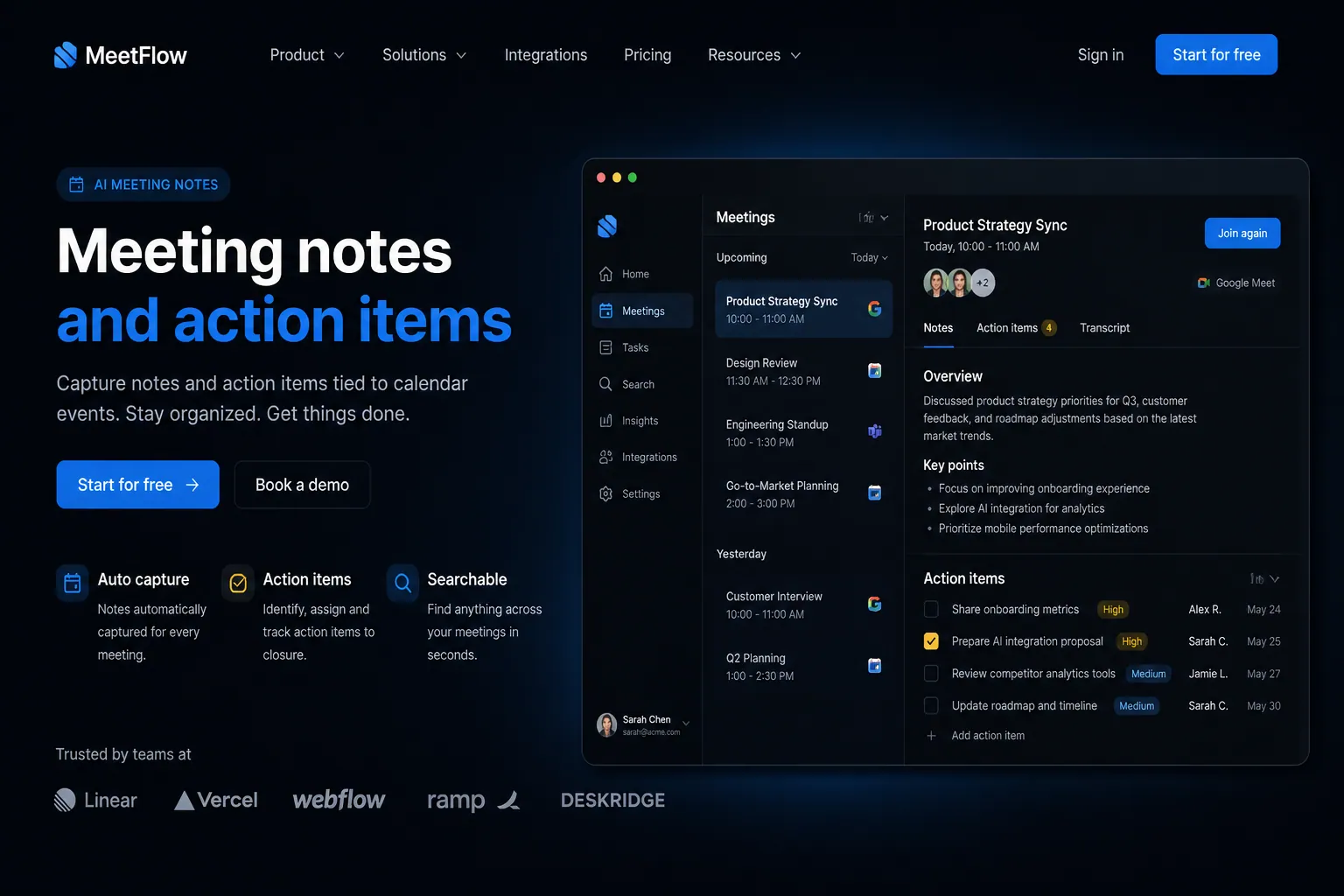
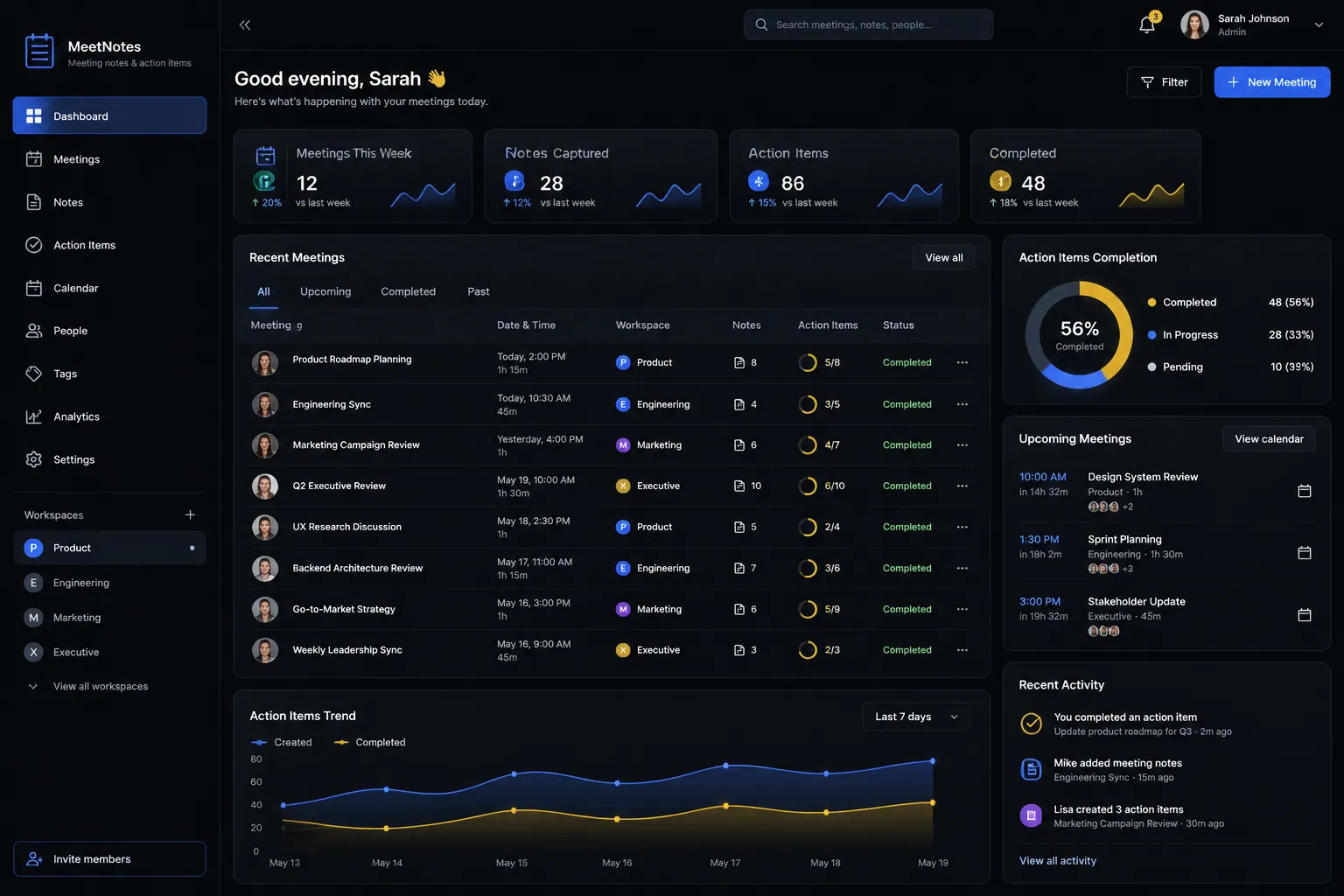
Capture meeting notes, assign action items, and track follow-through with everything tied to your calendar.
The short answer
Capture meeting notes, assign action items, and track follow-through with everything tied to your calendar. Meeting notes and action items is built directly into your SpinFlow platform, not a separate tool you log into. You own it, with no extra subscription and no per-seat fees.
Meetings without follow-through
Great discussions happen in meetings but nothing gets done afterward. Notes are scattered across apps. Action items are verbal commitments that everyone forgets.
The SpinFlow way
Meeting notes are tied to calendar events. Action items are assigned with deadlines and tracked in your project management system. Nothing falls through the cracks.
What can Meeting Notes & Action Items do?
Structured notes
Templates for meeting agendas, minutes, and decision logs
Action item tracking
Assign tasks from meetings with owners and deadlines
Calendar integration
Notes are automatically linked to the calendar event
Searchable archive
Find any past meeting note, decision, or action item instantly
Related capabilities
Where this fits
See it in context
Meeting notes and action items is one part of a single platform you own outright. See why your software stack is a liability.
Common questions
What should I know about Meeting Notes & Action Items?
What is Meeting notes and action items in SpinFlow?
Meeting notes are tied to calendar events. Action items are assigned with deadlines and tracked in your project management system. Nothing falls through the cracks.
Do I need a separate subscription for Meeting notes and action items?
No. Meeting notes and action items is built into your SpinFlow platform at no extra cost. There is no separate login, no add-on fee, and no per-seat pricing.
How quickly can Meeting notes and action items be built for my business?
Most SpinFlow platforms launch in as little as two weeks. Meeting notes and action items is configured around your existing workflow as part of that build, so it fits how your team already works.