CRM & Sales Pipeline
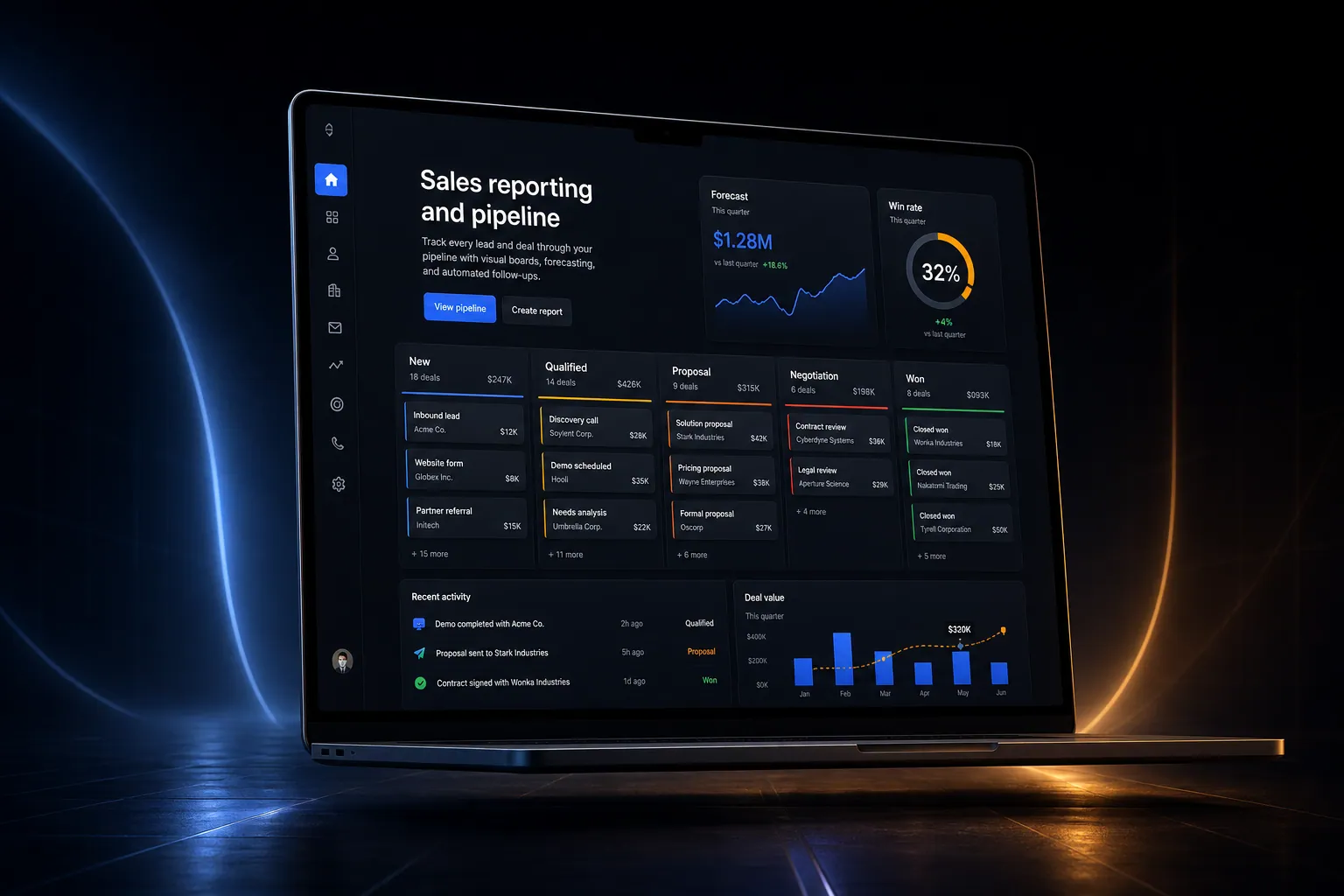
Track every lead and deal through your pipeline with visual boards, forecasting, and automated follow-ups.
The short answer
Track every lead and deal through your pipeline with visual boards, forecasting, and automated follow-ups. Sales reporting and pipeline is built directly into your SpinFlow platform, not a separate tool you log into. You own it, with no extra subscription and no per-seat fees.
Leads slip through the cracks
Your sales team uses spreadsheets and memory to track deals. Leads go cold because nobody followed up. You have no visibility into your pipeline or forecast.
The SpinFlow way
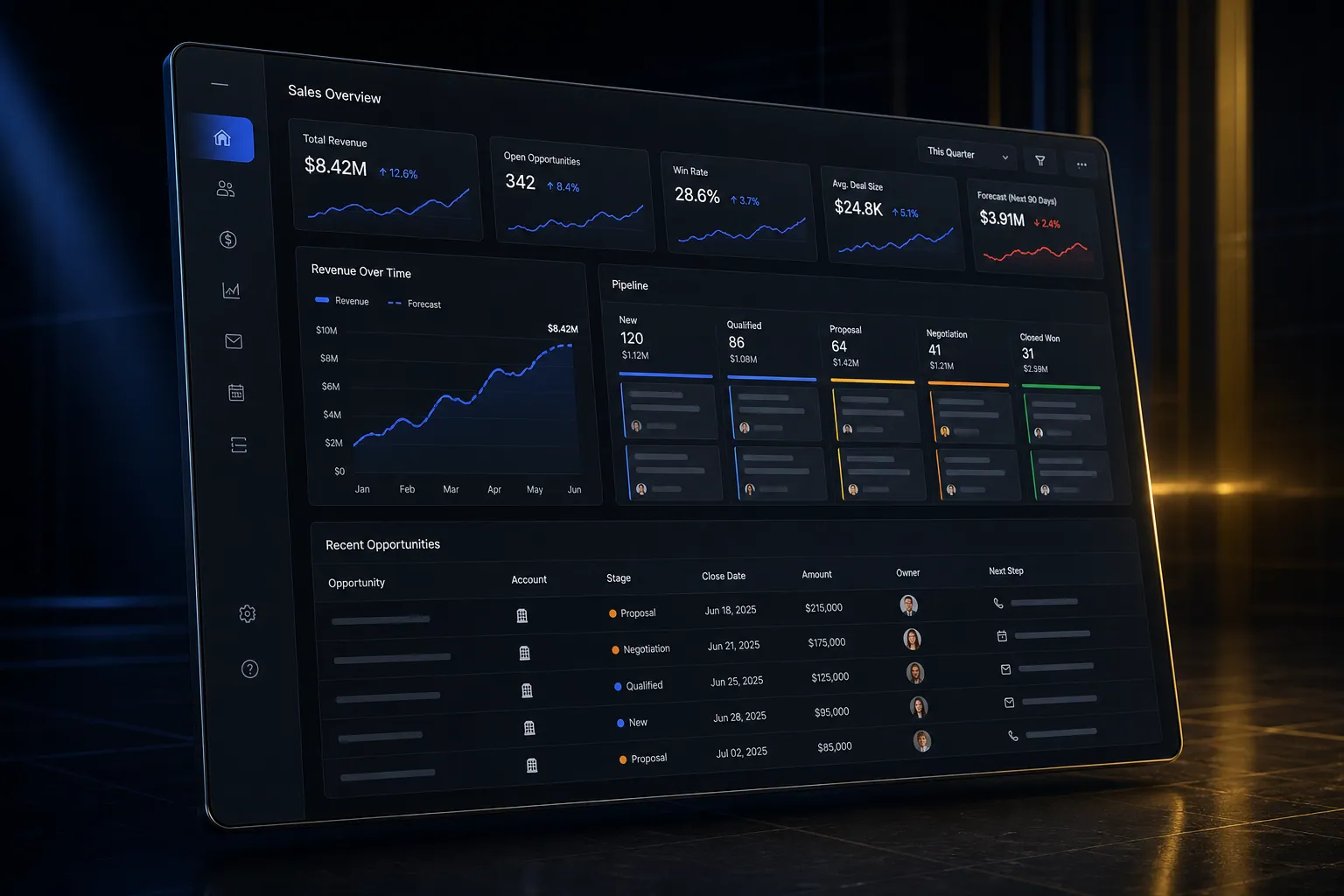
A visual pipeline where every lead, contact, and deal is tracked from first touch to close. Automated follow-ups ensure nothing falls through the cracks. Real-time reporting shows your forecast.
What can CRM & Sales Pipeline do?
Visual pipeline
Drag-and-drop deal stages with customizable columns
Sales forecasting
Real-time revenue projections based on pipeline data
Lead management
Capture, qualify, and assign leads automatically
Sales analytics
Win rates, cycle times, rep performance, and conversion metrics
Where this fits
The whole platform
See it in context
Sales reporting and pipeline is one part of a single platform you own outright. See why your software stack is a liability.
Common questions
What should I know about CRM & Sales Pipeline?
What is Sales reporting and pipeline in SpinFlow?
A visual pipeline where every lead, contact, and deal is tracked from first touch to close. Automated follow-ups ensure nothing falls through the cracks. Real-time reporting shows your forecast.
Do I need a separate subscription for Sales reporting and pipeline?
No. Sales reporting and pipeline is built into your SpinFlow platform at no extra cost. There is no separate login, no add-on fee, and no per-seat pricing.
How quickly can Sales reporting and pipeline be built for my business?
Most SpinFlow platforms launch in as little as two weeks. Sales reporting and pipeline is configured around your existing workflow as part of that build, so it fits how your team already works.