Multi-Location Management
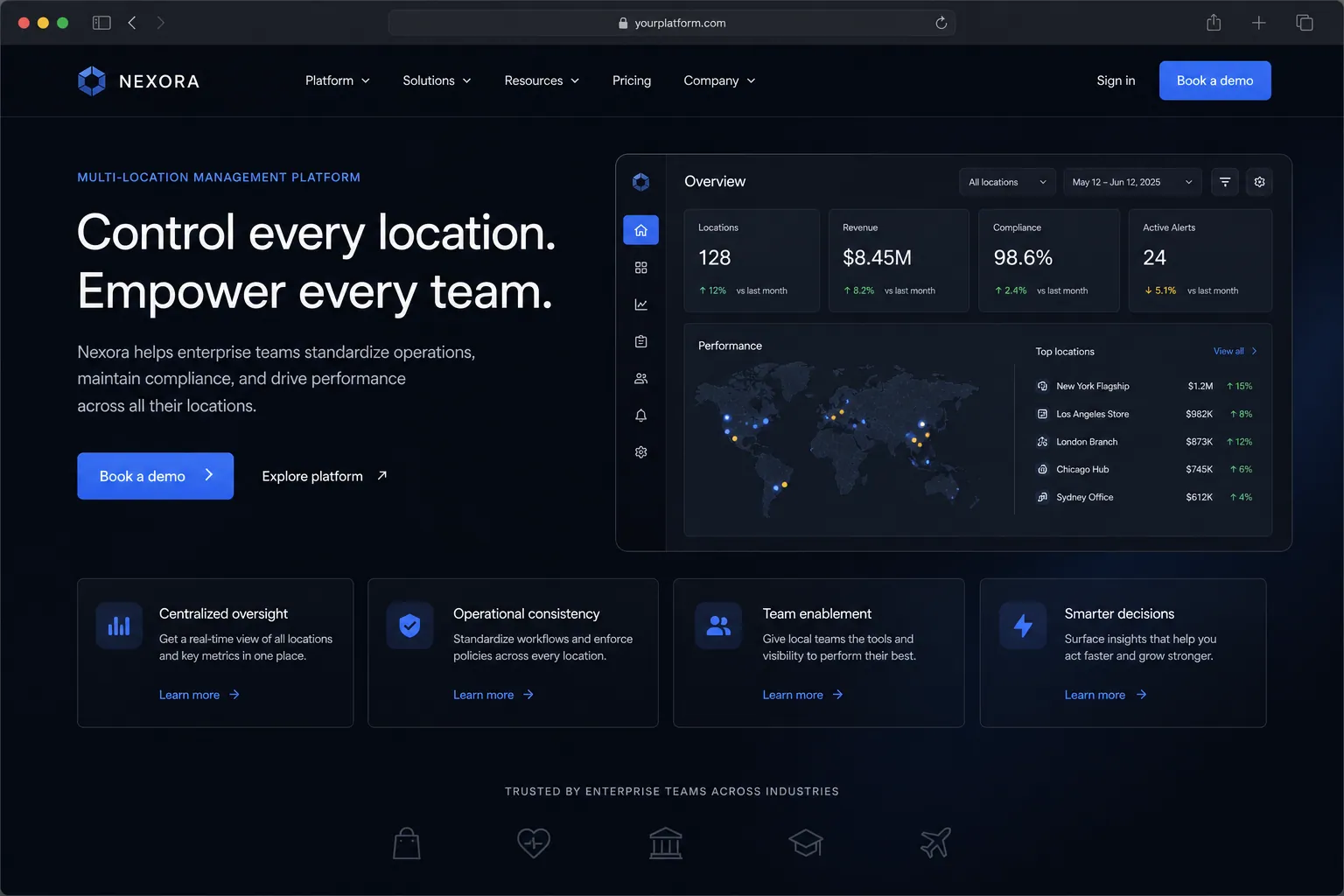
One dashboard to manage every location. Standardize operations, compare performance, and maintain consistency across sites.
The short answer
One dashboard to manage every location. Standardize operations, compare performance, and maintain consistency across sites. Multi-location management is built directly into your SpinFlow platform, not a separate tool you log into. You own it, with no extra subscription and no per-seat fees.
Location silos
Each location runs differently. Data is fragmented. You can't compare performance or enforce standards. Regional managers make up their own processes.
The SpinFlow way
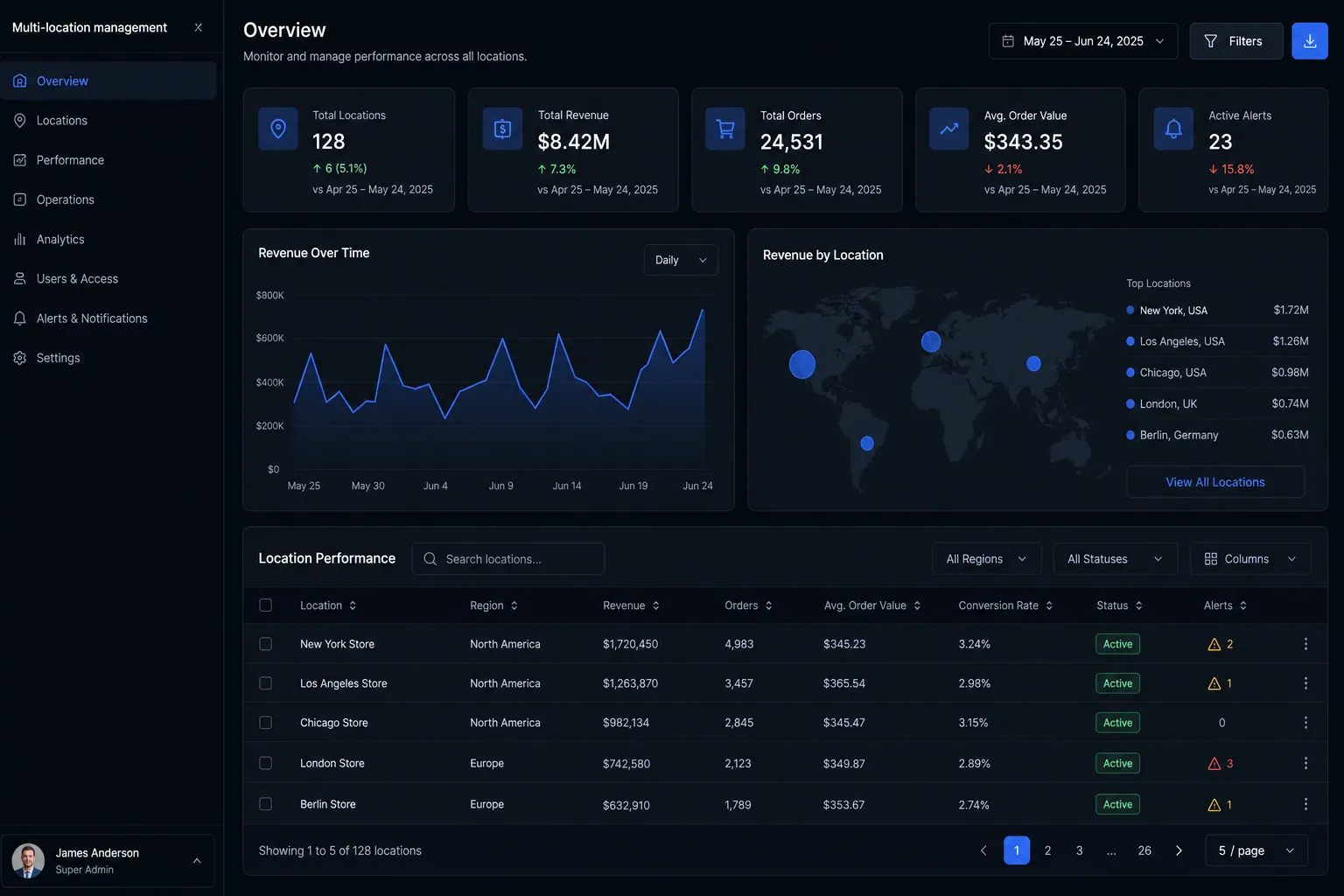
A centralized dashboard gives you visibility into every location while allowing site-specific customization. Compare KPIs, standardize processes, and manage everything from one login.
What can Multi-Location Management do?
Unified dashboard
See all locations at a glance with drill-down into each site
Cross-location analytics
Compare revenue, staffing, inventory, and performance across sites
Standardized processes
Deploy SOPs, checklists, and workflows consistently across locations
Location-level permissions
Control who can access and manage each location's data
Related capabilities
Where this fits
See it in context
Multi-location management is one part of a single platform you own outright. See why your software stack is a liability.
Common questions
What should I know about Multi-Location Management?
What is Multi-location management in SpinFlow?
A centralized dashboard gives you visibility into every location while allowing site-specific customization. Compare KPIs, standardize processes, and manage everything from one login.
Do I need a separate subscription for Multi-location management?
No. Multi-location management is built into your SpinFlow platform at no extra cost. There is no separate login, no add-on fee, and no per-seat pricing.
How quickly can Multi-location management be built for my business?
Most SpinFlow platforms launch in as little as two weeks. Multi-location management is configured around your existing workflow as part of that build, so it fits how your team already works.