Social Media Management
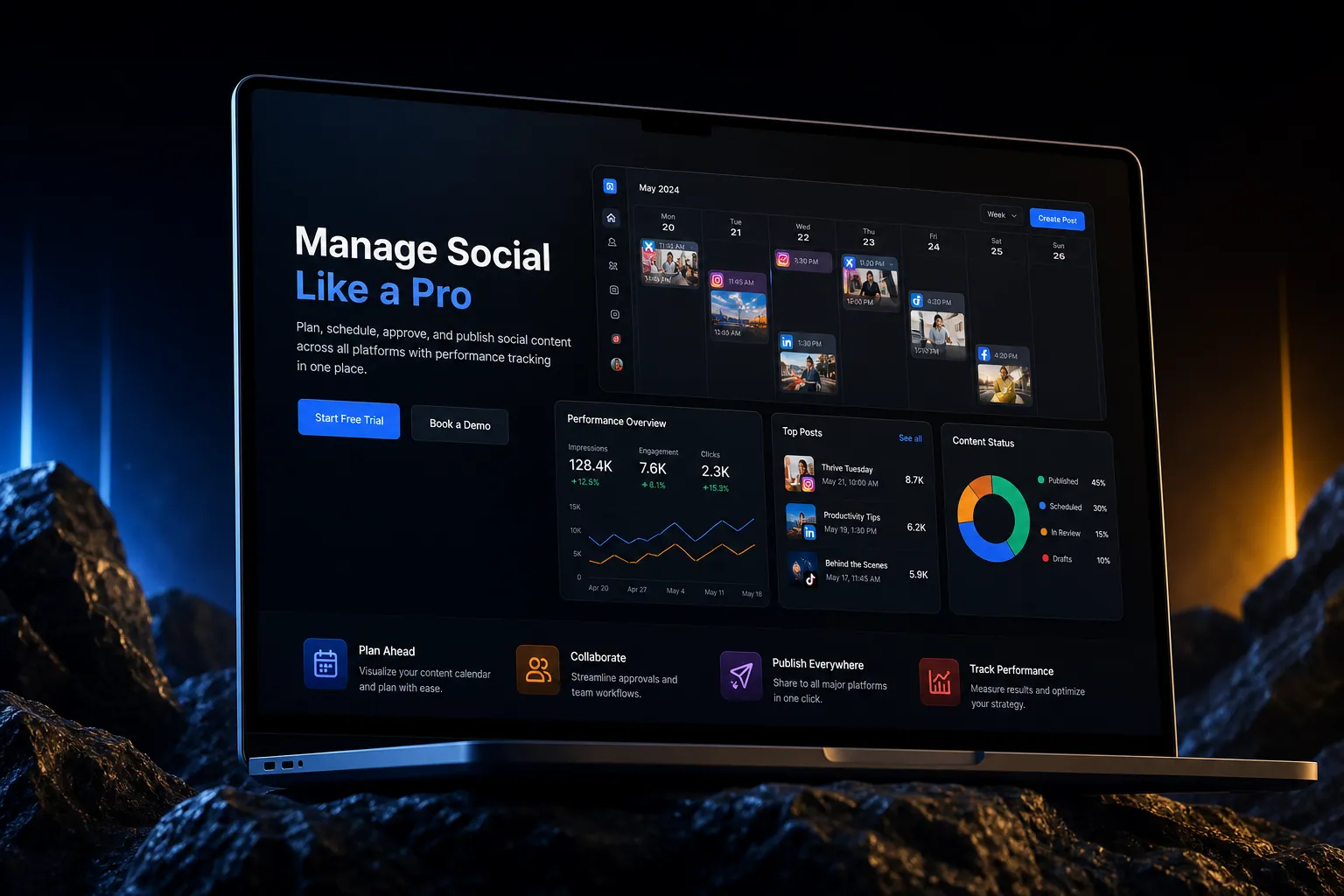
Plan, schedule, approve, and publish social content across all platforms with performance tracking in one place.
The short answer
Plan, schedule, approve, and publish social content across all platforms with performance tracking in one place. Social media management is built directly into your SpinFlow platform, not a separate tool you log into. You own it, with no extra subscription and no per-seat fees.
Social media is a time sink
You're logging into five social platforms. Content planning lives in a spreadsheet. Approval is done over Slack. Performance tracking requires exporting data from each platform separately.
The SpinFlow way
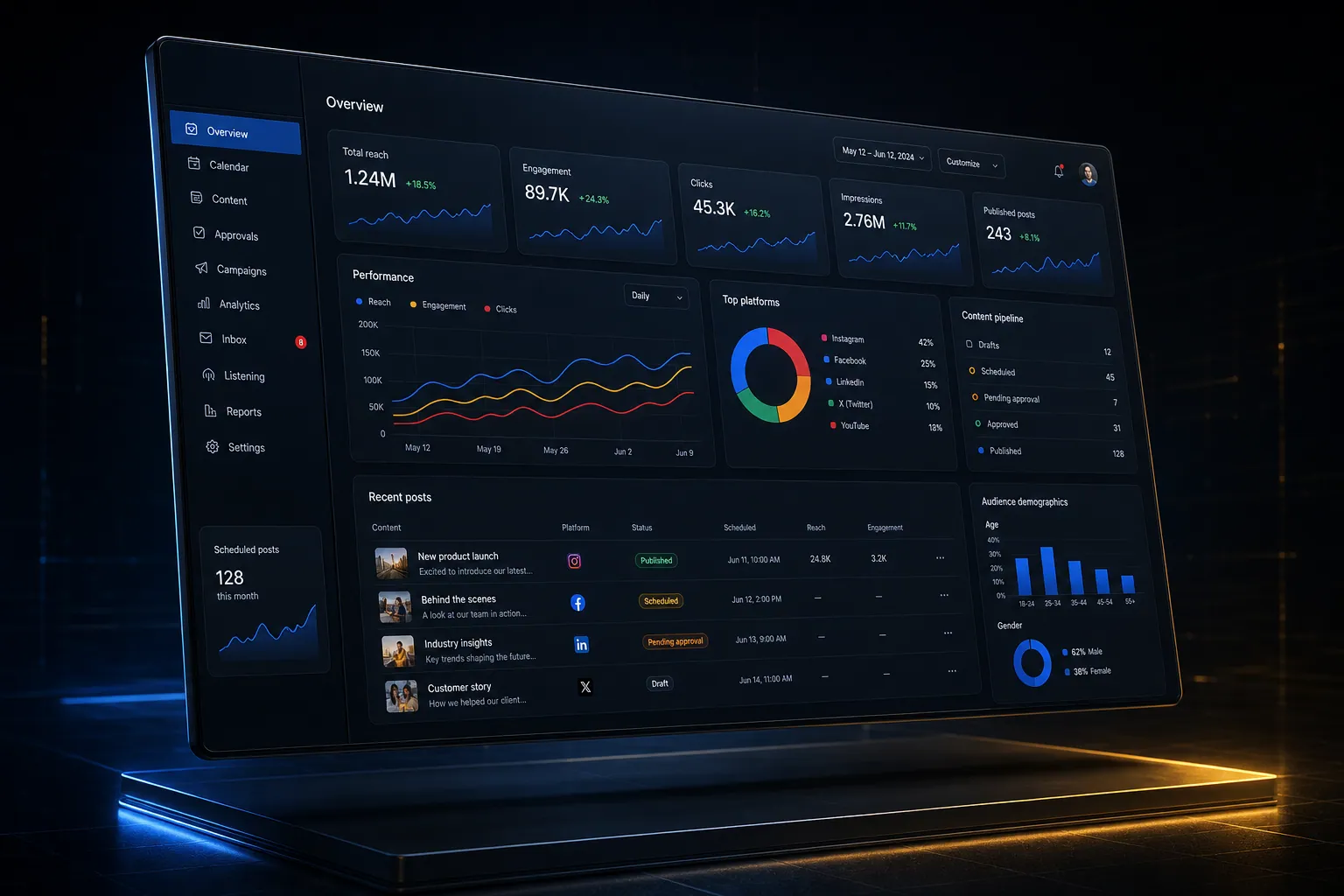
A content calendar with scheduling, approval workflows, and auto-publishing across platforms. Performance data from every channel in one dashboard. Plan, create, approve, publish, measure, repeat.
What can Social Media Management do?
Content calendar
Visual calendar for planning posts across all platforms
Scheduled publishing
Queue posts and publish automatically at optimal times
Approval workflows
Route content through approval before publishing
Cross-platform analytics
Engagement, reach, and growth metrics across all channels
Related capabilities
Where this fits
The whole platform
Why it matters
See it in context
Social media management is one part of a single platform you own outright. See why your software stack is a liability.
Common questions
What should I know about Social Media Management?
What is Social media management in SpinFlow?
A content calendar with scheduling, approval workflows, and auto-publishing across platforms. Performance data from every channel in one dashboard. Plan, create, approve, publish, measure, repeat.
Do I need a separate subscription for Social media management?
No. Social media management is built into your SpinFlow platform at no extra cost. There is no separate login, no add-on fee, and no per-seat pricing.
How quickly can Social media management be built for my business?
Most SpinFlow platforms launch in as little as two weeks. Social media management is configured around your existing workflow as part of that build, so it fits how your team already works.