SOP Management
Maintain, version, and distribute standard operating procedures with team acknowledgment and compliance tracking.
The short answer
Maintain, version, and distribute standard operating procedures with team acknowledgment and compliance tracking. SOPs with version control is built directly into your SpinFlow platform, not a separate tool you log into. You own it, with no extra subscription and no per-seat fees.
Outdated procedures everywhere
SOPs live in shared drives that nobody checks. Old versions circulate. New employees can't find the right process. There's no way to verify anyone has actually read the latest version.
The SpinFlow way
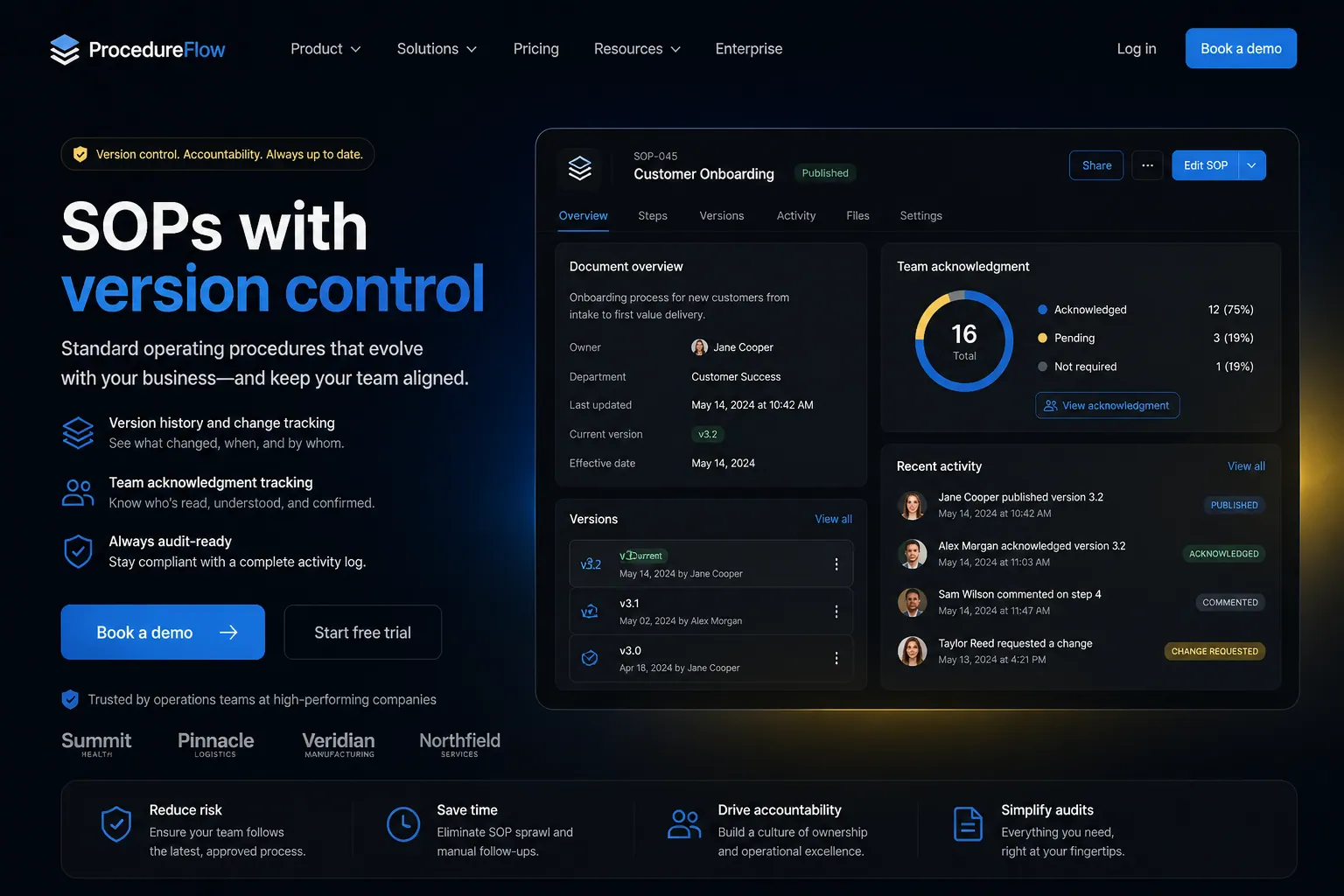
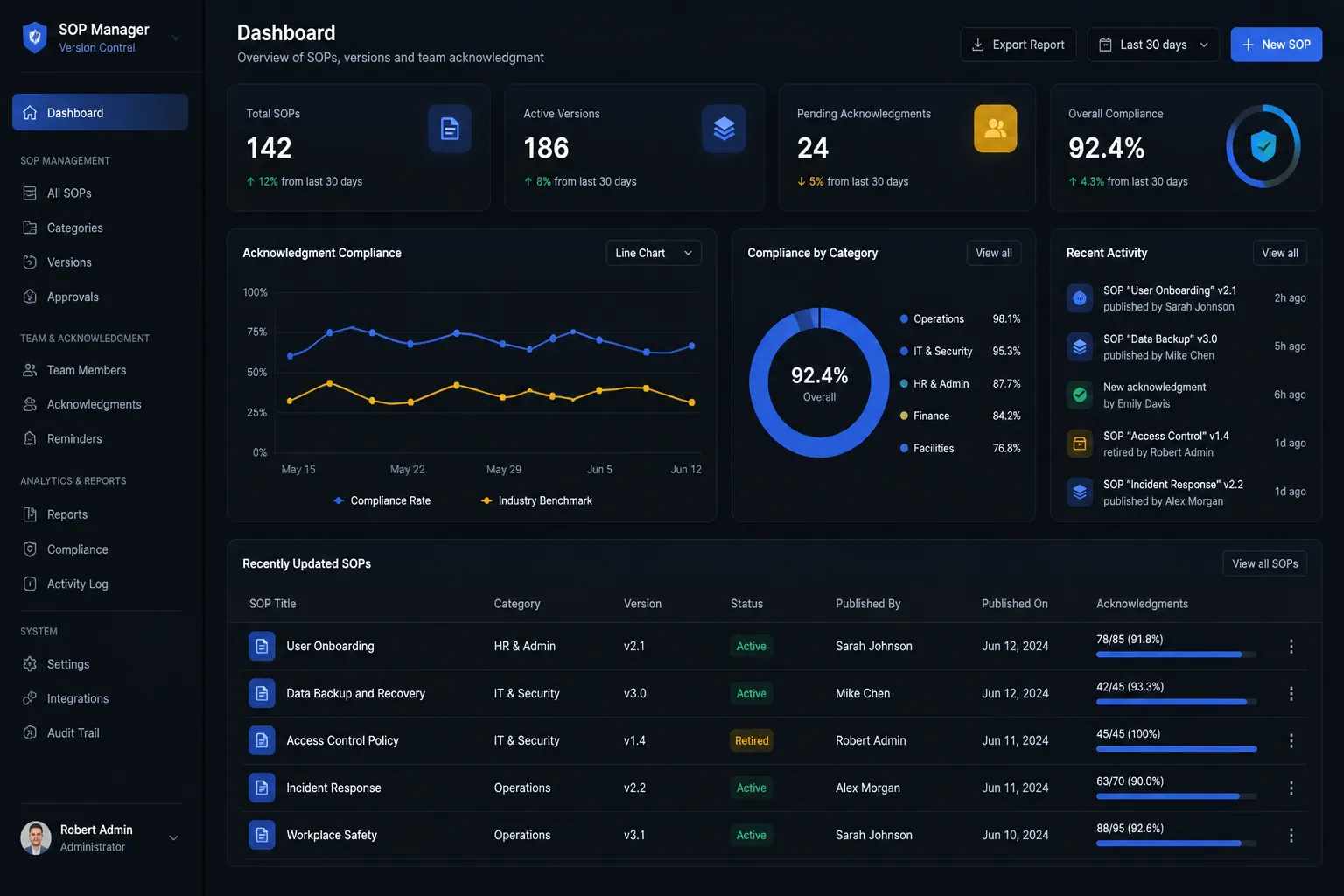
SOPs are versioned, searchable, and distributed automatically. Team members acknowledge they've read updates. Compliance dashboards show who's current and who needs follow-up.
What can SOP Management do?
Living documents
Create and update SOPs with rich formatting, images, and embedded videos
Version control
Track every change with full version history and rollback capability
Acknowledgment tracking
Require team members to confirm they've read and understood updates
Compliance dashboard
See at a glance who's current on every procedure
Related capabilities
Where this fits
See it in context
SOPs with version control is one part of a single platform you own outright. See why your software stack is a liability.
Common questions
What should I know about SOP Management?
What is SOPs with version control in SpinFlow?
SOPs are versioned, searchable, and distributed automatically. Team members acknowledge they've read updates. Compliance dashboards show who's current and who needs follow-up.
Do I need a separate subscription for SOPs with version control?
No. SOPs with version control is built into your SpinFlow platform at no extra cost. There is no separate login, no add-on fee, and no per-seat pricing.
How quickly can SOPs with version control be built for my business?
Most SpinFlow platforms launch in as little as two weeks. SOPs with version control is configured around your existing workflow as part of that build, so it fits how your team already works.