Time Tracking
Log hours against projects and clients, track billable vs. non-billable time, and flow directly into invoicing.
The short answer
Log hours against projects and clients, track billable vs. non-billable time, and flow directly into invoicing. Time tracking is built directly into your SpinFlow platform, not a separate tool you log into. You own it, with no extra subscription and no per-seat fees.
Lost hours, lost revenue
When time tracking is an afterthought, billable hours slip through the cracks. Your team forgets to log, your invoices are inaccurate, and you have no visibility into where time is actually spent.
The SpinFlow way
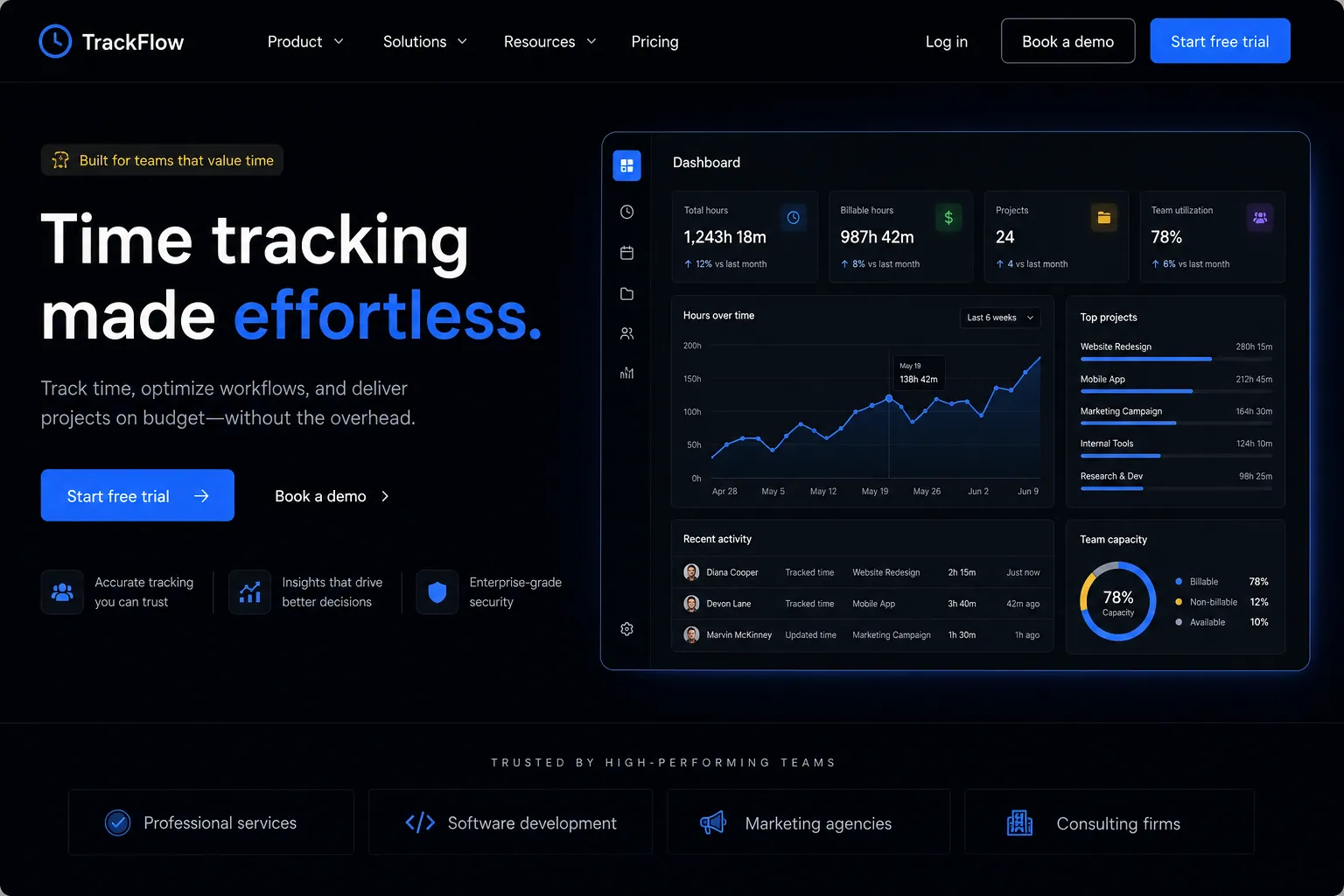
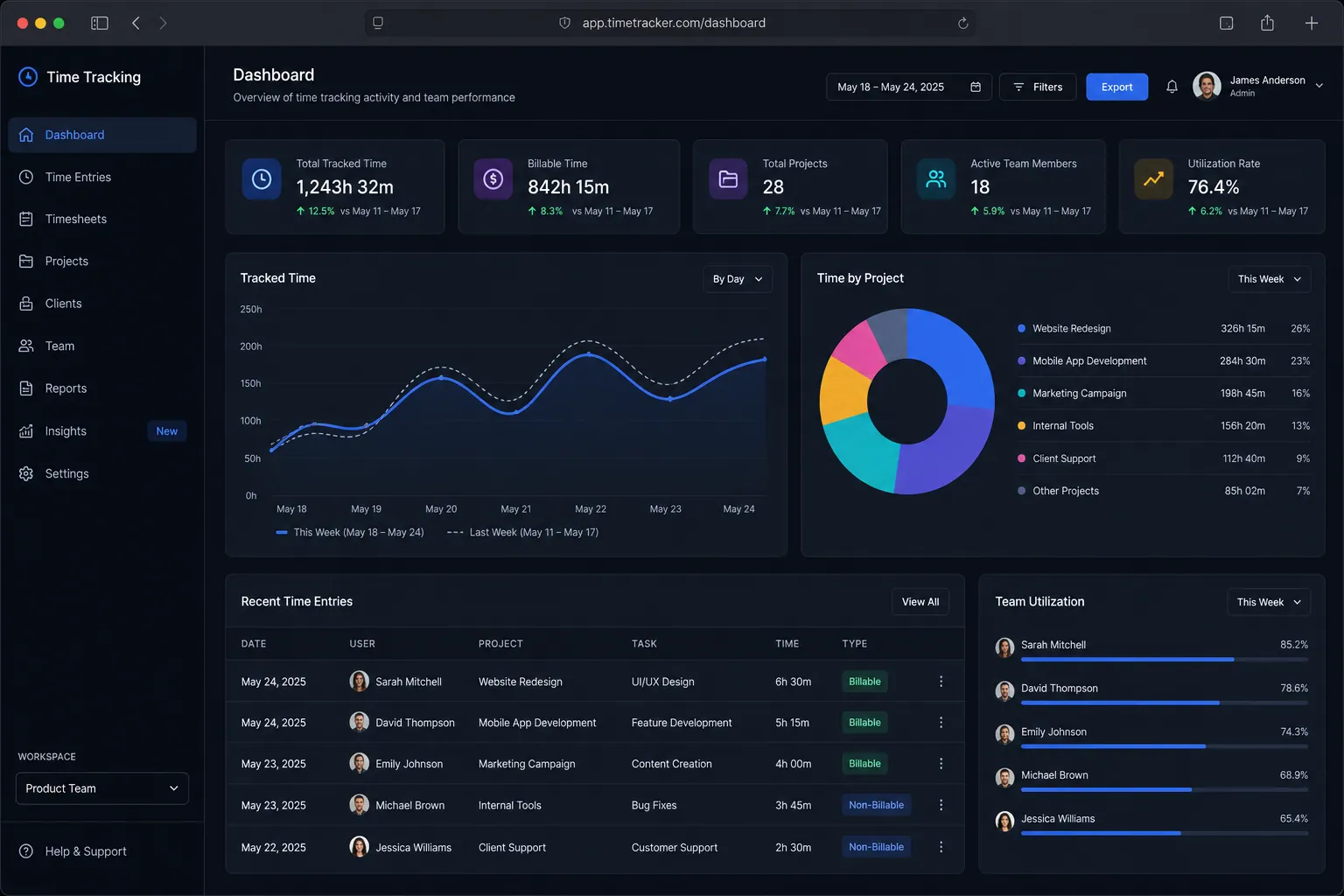
Time tracking is built into the workflow, not bolted on. Log time against tasks, projects, or clients with one click. Billable hours flow directly into invoicing. Managers see real-time utilization dashboards.
What can Time Tracking do?
One-click time logging
Start and stop timers or log time manually against any task or project
Billable vs. non-billable
Categorize time and see profitability per project and client
Invoice integration
Logged hours flow directly into client invoices with no re-entry
Utilization dashboards
See team capacity, overtime, and allocation in real time
Related capabilities
Where this fits
See it in context
Time tracking is one part of a single platform you own outright. See why your software stack is a liability.
Common questions
What should I know about Time Tracking?
What is Time tracking in SpinFlow?
Time tracking is built into the workflow, not bolted on. Log time against tasks, projects, or clients with one click. Billable hours flow directly into invoicing. Managers see real-time utilization dashboards.
Do I need a separate subscription for Time tracking?
No. Time tracking is built into your SpinFlow platform at no extra cost. There is no separate login, no add-on fee, and no per-seat pricing.
How quickly can Time tracking be built for my business?
Most SpinFlow platforms launch in as little as two weeks. Time tracking is configured around your existing workflow as part of that build, so it fits how your team already works.