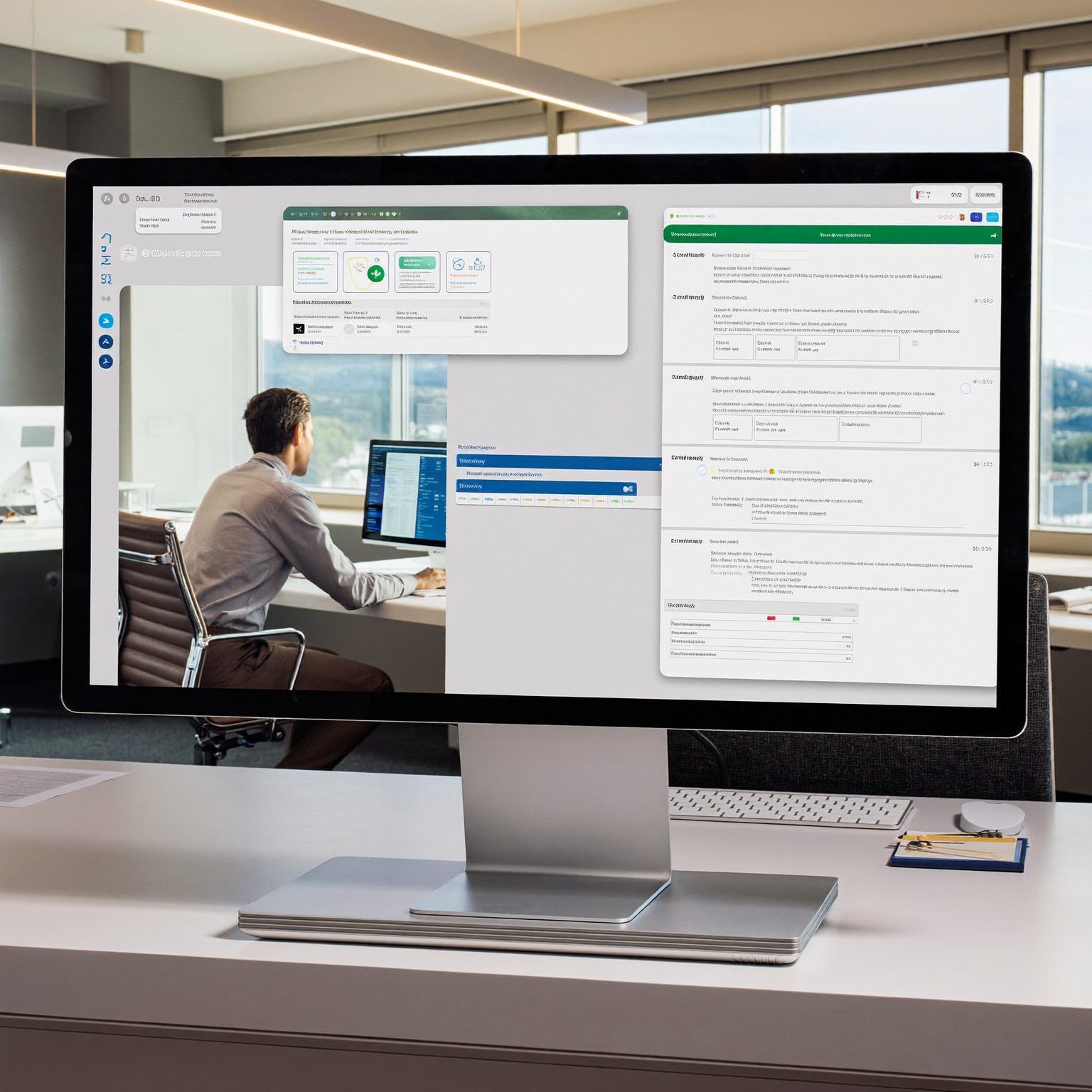
An AI-powered customer portal is a secure digital workspace where customers can manage their relationship with a business while AI helps them find information, complete tasks, and resolve routine requests. We use AI to make the portal easier to navigate and more responsive, not to replace reliable workflows, permissions, or human support.
The distinction matters because adding a chatbot to an account page does not create an AI-powered portal. A useful portal connects customer-facing assistance to the underlying systems that hold projects, documents, appointments, invoices, support requests, and communication history.
The result should feel like a premium website from the customer’s perspective while functioning as an operational platform behind the scenes. Customers get one place to act, and the business gets structured information that can move through the correct internal process.
What makes a customer portal AI-powered?
A standard portal gives customers access to predefined pages and actions. An AI-powered portal can also interpret natural-language requests, retrieve relevant information, summarize complex records, and guide the customer toward an appropriate next step.
Is an AI chatbot enough to make a portal intelligent?
No. A chatbot is only one possible interface. The more important question is whether the AI has controlled access to useful context and can connect the conversation to a real workflow. If a customer asks about a delayed project, the assistant should not produce a generic answer. It should identify the correct project, retrieve permitted status information, explain what is known, and offer a relevant action such as submitting a question or requesting an update.
This is why we treat customer portal development and AI assistance as parts of the same system. The interface, account data, workflow rules, permissions, and escalation path must be designed together.
Useful AI functions can include:
- Answering questions from approved customer-specific information.
- Summarizing project updates, cases, orders, or account activity.
- Helping customers locate documents or policies.
- Guiding customers through forms with conditional questions.
- Drafting a support request from a natural-language description.
- Explaining the current stage of a defined workflow.
- Directing sensitive or uncertain requests to the right employee.
AI becomes valuable when it reduces the effort required to complete an action. It becomes distracting when it merely generates conversational text around the same confusing process.
Which customer workflows belong in the portal?
The best starting point is not a list of AI features. We begin with recurring customer requests and the internal work each request creates. That exposes where self-service, structured intake, automation, and AI assistance can work together.
What should customers be able to do without contacting the team?
Customers should be able to complete predictable, permission-safe actions without waiting for an employee. Depending on the business, that may include checking a project status, uploading a document, reviewing an estimate, booking an appointment, updating account details, viewing an invoice, submitting a support issue, or finding an approved answer.
The portal should not force every business into the same feature set. A professional services firm may need project visibility and document exchange. A home services company may prioritize scheduling, property records, and service history. A medical practice may require a carefully controlled experience built around its specific operational and privacy requirements.
Our broader customer experience capabilities connect these front-end interactions to the systems employees use to complete the work. That connection prevents the portal from becoming an attractive but isolated account area.
For example, a service request can create a structured internal record, assign responsibility, trigger notifications, and preserve the conversation. The customer sees a simple interaction, while the business receives the information in a form it can process.
When should AI hand the customer to a person?
AI should escalate when the request involves judgment, negotiation, sensitive information, an exception to policy, or insufficient context. It should also make escalation easy whenever the customer asks for a person. A portal should never trap someone in an automated conversation that cannot resolve the issue.
A well-designed AI customer support agent can gather context before the handoff. It can identify the account, summarize the request, collect relevant files, and route the case to the appropriate queue. The employee can then begin with a useful record rather than asking the customer to repeat everything.
Human support remains part of the system. AI changes the entry point and preparation work, but the portal still needs clear ownership, status tracking, and communication rules.
How does the portal know what it may reveal?
An AI assistant should not receive unrestricted access to every record in the business. It should operate within the same deliberate access model as the rest of the platform.
How should customer data and permissions be controlled?
Access should be based on the authenticated user, their account, their role, and the specific action they are attempting. We use role-based access control so the system can distinguish between users who may view, edit, approve, upload, or administer information.
Permissions can vary within the same customer organization. An account owner may be allowed to review billing and add team members, while another user may only see assigned projects. A vendor may access a narrow document exchange without seeing the customer’s internal account history.
The AI layer must respect those boundaries before retrieving or summarizing information. It should not depend on a prompt telling it to keep data private. Authorization belongs in the platform architecture, outside the model’s discretion.
We also separate approved source material from open-ended generation. If an assistant answers a question about an account, the response should be grounded in information the user is permitted to access. When the available records do not support an answer, the portal should say so and offer an escalation path rather than inventing one.
How should an AI-powered portal fit the business?
A portal succeeds when it reflects the actual relationship between the company and its customers. That requires more than choosing a template or listing features.
Should the portal replace email completely?
Not necessarily. Email can remain a notification channel, but it should not be the only place where important decisions, files, and status updates exist. The portal can serve as the durable system of record while email alerts customers that something needs attention.
For example, an email might tell a customer that a proposal is ready, but the authenticated portal should present the proposal, related documents, approval action, and current status. Replies and decisions then remain connected to the account rather than disappearing into separate inboxes.
This principle also applies to intake. Our article about voice AI discovery interviews explains how conversational input can replace an exhausting questionnaire. Inside a portal, the same idea can help customers describe a need naturally while the system converts that conversation into structured information for the team.
Should a portal connect to existing software or replace it?
Either approach can be appropriate. A portal may connect to an existing CRM, scheduling system, accounting tool, or document repository when those systems remain useful. In other cases, the portal can become part of a unified custom platform that replaces fragmented software and duplicate processes.
We decide this by examining where the authoritative data lives, which system owns each workflow, and what employees must do after the customer takes action. An integration that merely copies incomplete information between systems may preserve the problem rather than solve it.
The broader lesson from building customer experience platforms people use is that adoption depends on practical value. Customers return when the portal gives them faster access to relevant information and clear actions. They do not return simply because the business launched another login.
What should buyers define before development?
A useful planning document can be concise, but it should describe workflows rather than vague ambitions. Before selecting features, we recommend defining the customer groups, the actions each group needs, the information each role may access, and the internal response that follows every submitted action.
What should be included in the first release?
The first release should contain a complete journey for a meaningful set of customer needs. It is better to make document exchange, support intake, or project visibility work from beginning to end than to launch many disconnected screens.
A practical first-release scope may define:
- How users are invited, authenticated, and assigned permissions.
- Which account records and statuses customers can view.
- Which requests, forms, uploads, or approvals they can submit.
- How employees receive, own, and resolve those requests.
- Where AI can retrieve information or assist with intake.
- Which situations require human review.
- How customers receive updates without losing the portal as the system of record.
We also design the empty, uncertain, and exception states. The portal needs to explain what happens when a document is missing, an appointment is unavailable, a request cannot be categorized, or an AI answer lacks sufficient support.
SpinFlow builds custom business platforms in two to eight weeks, depending on the scope and complexity. The build process should turn the defined customer journeys into a working platform while keeping operational users involved in the decisions.
How should you evaluate the finished portal?
Evaluation should focus on completed customer outcomes and clean operational handoffs. A polished interface matters, but the portal is not finished if employees must manually reconstruct every request after it arrives.
We review whether customers can understand what to do, whether the system displays only appropriate information, whether submitted actions create accurate internal work, and whether a person can take over from AI without losing context. We also test whether the portal works as a coherent part of the business rather than as a separate digital facade.
The Ascend Surgical Alliance build provides a concrete view of how a custom platform can connect a professional front end with the systems operating behind it. Each portal will have different requirements, but the principle remains consistent: the visible experience and the operational backend should be designed as one product.
An AI-powered customer portal is ultimately a service channel, workflow system, and secure account experience in one place. When we give AI a narrow, useful role inside that structure, it can help customers act with less friction while giving the team better information to continue the work.