Estimates & Proposals
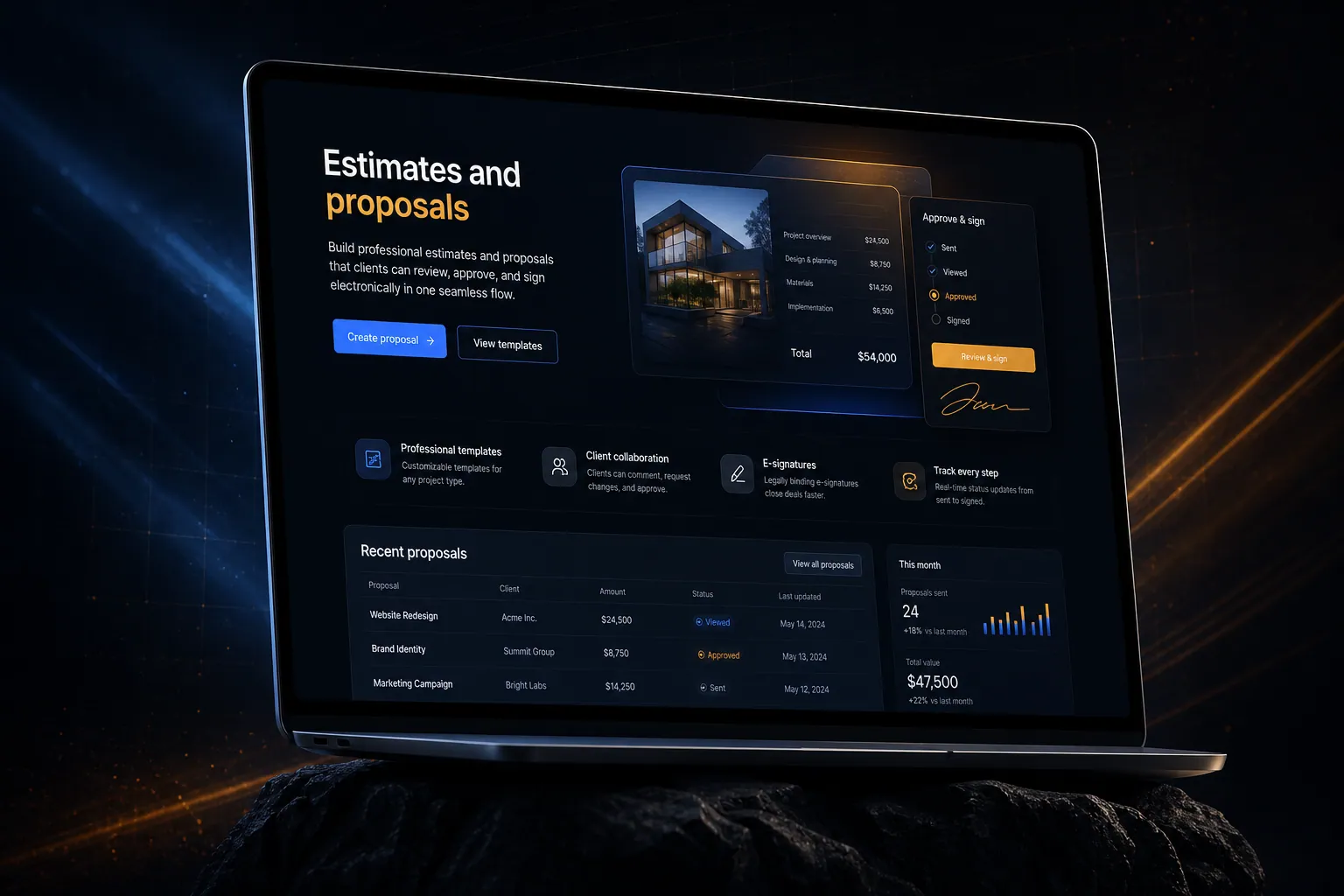
Build professional estimates and proposals that clients can review, approve, and sign electronically in one seamless flow.
The short answer
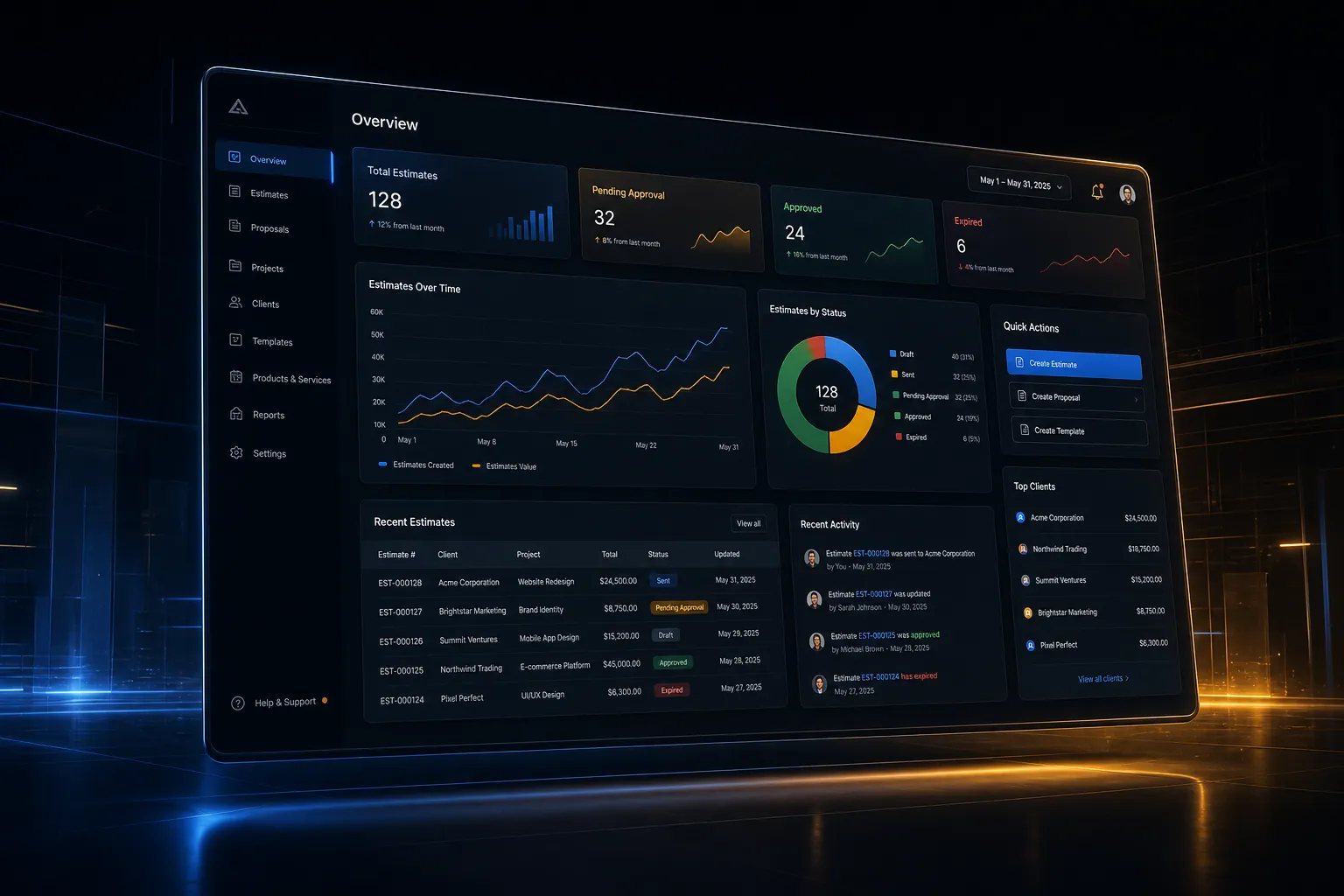
Build professional estimates and proposals that clients can review, approve, and sign electronically in one seamless flow. Estimates and proposals is built directly into your SpinFlow platform, not a separate tool you log into. You own it, with no extra subscription and no per-seat fees.
Proposal follow-up is painful
You spend hours building proposals in Word or Google Docs. You email them and hope for the best. Follow-up is manual. Converting an approved proposal into a project is another manual step.
The SpinFlow way
Build proposals with templates and pricing rules. Clients review online, ask questions, and approve with an e-signature. Approved proposals auto-create projects and invoices.
What can Estimates & Proposals do?
Proposal builder
Professional templates with line items, pricing, and terms
Client review portal
Clients view proposals online with comment and approval capability
Built-in e-signature
Approve and sign proposals without leaving the platform
Auto-conversion
Approved proposals auto-create projects, milestones, and invoices
Related capabilities
Where this fits
The whole platform
Builds using it
Estimates and proposals is one part of a single platform you own outright. See why your software stack is a liability.
Common questions
What should I know about Estimates & Proposals?
What is Estimates and proposals in SpinFlow?
Build proposals with templates and pricing rules. Clients review online, ask questions, and approve with an e-signature. Approved proposals auto-create projects and invoices.
Do I need a separate subscription for Estimates and proposals?
No. Estimates and proposals is built into your SpinFlow platform at no extra cost. There is no separate login, no add-on fee, and no per-seat pricing.
How quickly can Estimates and proposals be built for my business?
Most SpinFlow platforms launch in as little as two weeks. Estimates and proposals is configured around your existing workflow as part of that build, so it fits how your team already works.