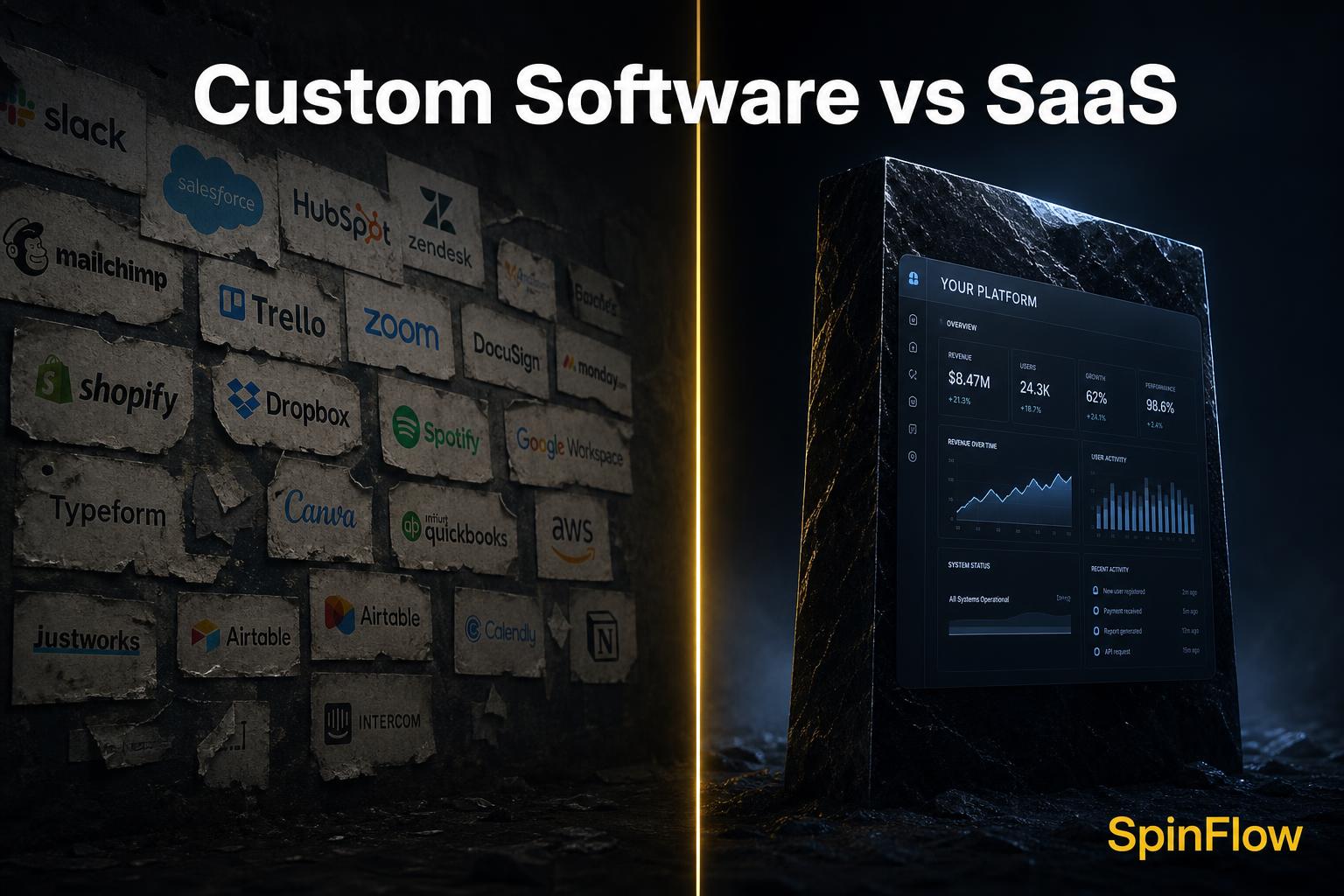
A unified operations platform replaces Monday.com best when a company needs purchasing and invoicing built into the same system. Instead of adding more boards and integrations, we connect requests, approvals, vendors, purchase records, invoices, and financial reporting in one controlled workflow.
The distinction matters because purchasing and invoicing are not simply project tasks. They create financial records, require defined authority, involve outside parties, and must remain traceable after a task is marked complete.
Why work management alone is not enough
Why doesn't another project management tool solve the problem?
Another project management tool may organize requests, owners, deadlines, and status changes, but the underlying process still has to produce reliable business records. A purchasing workflow needs to preserve who requested an item, who approved it, which vendor was selected, what was ordered, what was received, and how the invoice was resolved. If those details live in board columns, email threads, attachments, and accounting software, the company still has a fragmented process.
This is why we distinguish task tracking from transaction management. A task says that someone must review an invoice. A transaction connects that invoice to a vendor, an approval history, a purchase record, supporting documents, and its current financial status.
Companies evaluating a Monday.com alternative should therefore start with the full transaction rather than a checklist of familiar board features. The objective is not to find a different place for tasks. It is to reduce the number of systems required to complete the work.
What should a purchasing system include?
A useful purchasing system should carry a request from initial submission through authorization, ordering, receipt, and invoice review. We normally treat vendor information, approval rules, documents, comments, notifications, and status history as connected parts of that process rather than separate applications.
- A structured purchase request with required supporting information
- Approval routing based on the request and the people responsible
- A vendor record shared across purchasing and invoicing
- Purchase documentation connected to the original request
- Receipt or completion confirmation before final invoice handling
- A visible history of decisions, changes, and outstanding actions
- Reporting that reflects live operational records
The exact fields and stages depend on how the company buys. That is the point. A replacement should fit the actual policy instead of forcing every purchase into a generic project template.
Connect the request to the invoice
Where should a purchase request become a financial record?
The request should become a durable record as soon as it enters the platform, while its financial significance changes as it passes through approval and fulfillment. We should not have to recreate the same purchase in several tools. The original record can accumulate approvals, vendor details, documents, delivery information, and invoice data as the transaction advances.
This approach also addresses the duplicate entry problem described in our guide to eliminating duplicate data entry. Information should move with the workflow. Staff should not copy names, amounts, notes, and attachments between a work board, a shared inbox, a spreadsheet, and an invoicing application.
How should invoices connect to purchasing?
Invoices should be associated with the vendor and the purchasing activity that caused them. The platform can then show whether an invoice has the required documentation, whether the relevant work or goods were received, who must review it, and what remains unresolved. This is more useful than treating every invoice as an isolated attachment or task.
Depending on the business, the platform may provide invoicing and billing workflows, connect to financial systems through financial integrations, or support built-in financial functions. We define that boundary during process design. A company may need an operational layer connected to its accounting system, or it may want more of the financial workflow inside the platform itself.
Choose the right type of replacement
Could an accounting system replace Monday.com?
An accounting system may be the right financial system of record, but it does not automatically replace the operational work surrounding a purchase. Employees still need a simple way to submit requests, managers need context for approvals, operations teams need visibility, and vendors may need a controlled place to exchange information. The accounting system can remain part of the architecture without becoming the interface every participant must use.
We often design the front end around the people doing the work while preserving the financial destination behind it. That can include employee request forms, approval queues, receiving steps, exception handling, and vendor and supplier portals. The experience feels like one platform even when a specialized financial system remains connected in the background.
When is a custom operations platform the better choice?
A custom operations platform is the better choice when purchasing and invoicing cross departments, require company-specific decisions, or depend on several disconnected tools. It is also appropriate when the business wants one branded environment for internal teams and external vendors rather than a collection of generic interfaces.
This does not mean building every software function from the ground up. We determine what should be native, what should be integrated, and what should be removed. SpinFlow platforms are delivered in 2 to 8 weeks, with custom pricing and a monthly subscription typically one fifth to one tenth of a comparable SaaS stack. Our overview of what we build explains how a premium website experience and the operational backend can live in the same platform.
This choice is different from buying yet another subscription. Our article on custom business software versus SaaS examines the broader decision between adapting the company to packaged software and shaping the platform around the company.
Design around control and accountability
What should serve as the source of truth?
The transaction record should serve as the operational source of truth. It should contain the current status, responsible people, vendor relationship, related documents, approval history, and links to any connected financial entries. Dashboards and notifications should read from that record rather than maintain competing versions of it.
This does not require every piece of company data to exist in one database. It requires one authoritative place to understand the transaction. Integrations can exchange information with other systems, but employees should not have to investigate several applications to answer a basic question about a purchase or invoice.
How should approval authority work?
Approval authority should be encoded as a workflow rather than preserved as informal knowledge. The system should know which role receives a request, what information that person needs, what happens after approval, and where an exception goes. Our approval workflow capabilities are designed around these operational decisions rather than simple status labels.
Role-based access is equally important because requesters, approvers, operations staff, finance staff, and vendors should not all see or change the same information. A well-designed platform presents each person with the relevant action while retaining a coherent record for the company.
Evaluate alternatives with a real transaction
What should companies ask to see in a demo?
Companies should ask the vendor to demonstrate one complete purchasing and invoicing scenario using realistic roles. Feature tours can make almost any product look suitable. A live transaction reveals where information is duplicated, where an integration becomes necessary, and where staff must leave the platform to finish the work.
- How does an employee submit a complete purchase request?
- How are approvers selected and notified?
- What happens when information is missing or the request changes?
- Where are vendor records and documents maintained?
- How is receipt or completion confirmed?
- How does an invoice connect to the purchase?
- Which financial data is native, and which data is synchronized?
- Can leaders see pending obligations and process bottlenecks?
- What will employees still have to manage through email or spreadsheets?
We also recommend comparing the proposed process with the current software map. Our article on software stack consolidation explains why replacing several tools with one coherent platform requires more than moving their existing screens into a new application.
How does SpinFlow compare with Monday.com?
The practical comparison is between a configurable work management product and a custom business platform designed around the company’s operating model. A work management product begins with general structures that a team configures. We begin with the purchasing, approval, vendor, invoice, reporting, and access requirements, then build the interface and backend around them.
Our direct SpinFlow versus Monday.com comparison provides more context for buyers considering both approaches. The right decision depends on whether the company primarily needs flexible task organization or an integrated operating system for consequential business transactions.
Plan the transition around the workflow
Can the company replace its current tools without stopping operations?
Yes, the transition can be organized around a defined workflow rather than an abrupt replacement of every system. We first identify the records, roles, rules, documents, and integrations required for purchasing and invoicing. The new process can then be tested with representative transactions before it becomes the normal route for new work.
Historical information does not all need identical treatment. Active vendors, open requests, unresolved invoices, and essential documents may need to move into the platform, while older records may remain in an accessible archive. The migration plan should follow operational value rather than treating every old field as equally important.
Compare total systems, not subscription labels
How should companies compare the cost?
Companies should compare the full set of tools, integrations, administration, duplicate work, and process gaps required by each option. A low-cost work management subscription is not inexpensive if purchasing, vendor management, approvals, invoicing, reporting, and document handling still require separate products and manual coordination.
The cost to replace a software stack should therefore be evaluated against the stack being removed, not against one subscription in isolation. Our article on the true cost of software chaos also outlines the operational burden created when connected work is divided across unrelated systems.
The right replacement follows the transaction
For a company that needs purchasing and invoicing built in, the strongest Monday.com replacement is a platform that follows the transaction from request to financial resolution. It should give employees a clear front end while maintaining approvals, vendor information, documents, invoices, access rules, and reporting in the backend.
We would not select that platform by counting board views or automation templates. We would map one real purchase, identify every handoff, and determine whether the proposed system can complete the process without rebuilding the same software sprawl under different names.